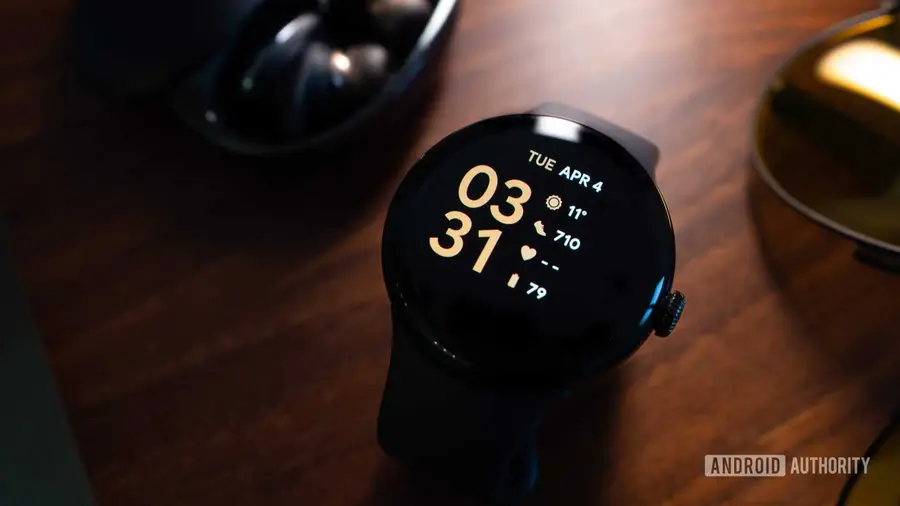
Recent events have left some first-generation Pixel Watch owners feeling anxious after a warning appeared, suggesting their smartwatch might lose support for Google Health sync. This unexpected alert prompted a wave of concern among users, many of whom took to Reddit to voice their frustrations regarding what seemed like a significant shift in support from Google.
The Alarm Over Support Loss
For those who have been using the original Pixel Watch, the wording of the warning was particularly unsettling. Given that this model has been on the market for several years and has since been succeeded by newer iterations, the possibility of losing essential services like Google Health sync was alarming. Users worried that they might need to upgrade their devices sooner than anticipated.
Google's Clarification
Fortunately, Google has stepped in to clarify the situation. A representative confirmed that the warning message was displayed due to a bug and that support for the original Pixel Watch is still intact. “We spotted this, too, and can confirm that the Google Health App and Coach fully support legacy Pixel Watch and Fitbit devices,” the spokesperson conveyed.
No Need for Panic
If you own a first-generation Pixel Watch and encountered the troubling notification, there is no reason to panic. Google has reassured users that the message was not an indication of a planned discontinuation of support for the device. Instead, it was simply a glitch that has now been resolved.
Software Requirements to Note
While the support for the original Pixel Watch remains unchanged, there is an important software consideration for users. Google Health app requires Wear OS 4 or later to function properly on the Pixel Watch and other Wear OS devices. Users should check if their watch has received the Wear OS 4 update, as the original Pixel Watch is compatible with this version.
To verify the current software version on your Pixel Watch, navigate to Settings > System > About > Versions. You can also check for updates directly through your watch by going to Settings > System > About > System updates or by checking the Play Store for Wear OS updates.
As always, it is crucial to stay informed about the devices you use and ensure they are running the latest software for optimal performance.
Source: https://www.androidauthority.com/google-pixel-watch-health-sync-warning-bug-3700145/