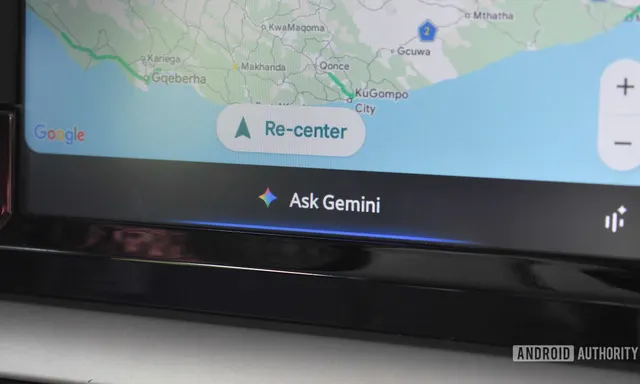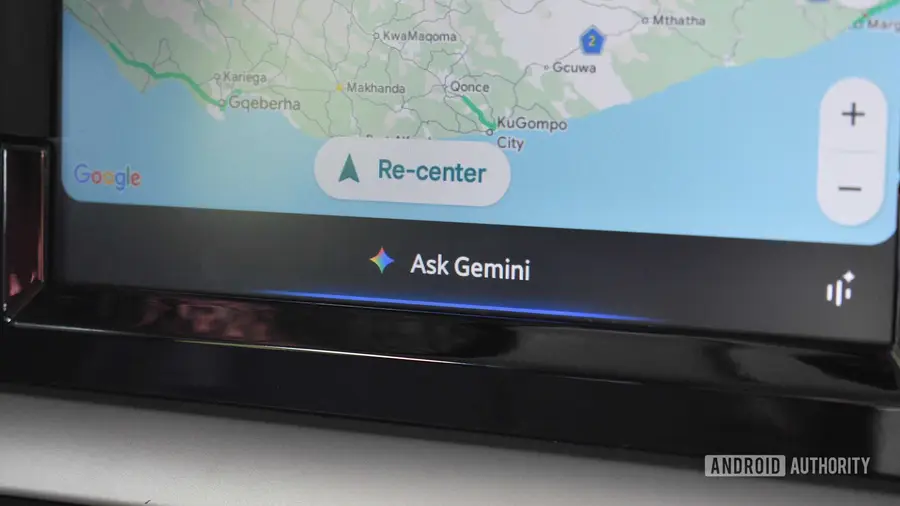
In recent weeks, Gemini has encountered significant difficulties with controlling smart home devices, particularly for users of Android Auto. Reports from Wear OS users indicated that Gemini claimed to control various devices, such as lights and air conditioning, without any actual results. Although Google announced a fix for those issues, new problems have emerged for Android Auto users.
Problems Reported by Users
According to a post on the r/AndroidAuto subreddit, one user noticed that Gemini stopped executing commands, such as turning on the air conditioning. This user highlighted that the feature had been functioning correctly for several months until now. The message they received stated that Gemini "cannot control smart home devices through Google Maps while driving," which left them puzzled.
Widespread Complaints
This issue does not appear to be isolated. Several other users have chimed in, sharing their frustrations about similar failures when attempting to use smart home commands through Gemini. Some users reported that voice commands, reminders, and calendar requests were also being ignored by Gemini, prompting them to seek alternative solutions.
Temporary Solutions and Workarounds
While some users have found that the smart home commands still function properly within the Gemini app itself, others have opted to revert to using Google Assistant due to the ongoing issues. This has raised questions about whether the problems stem from a server-side bug or a change in how Gemini interacts with Android Auto.
Awaiting Official Response
As of now, there has been no official explanation from Google regarding the root cause of these issues. The lack of clarity has left many users frustrated as they rely on these features for convenience in their daily lives. Users are encouraged to stay tuned for updates as we await a response from Google, which may shed light on this troubling situation.
Source: https://www.androidauthority.com/gemini-cannot-control-smart-home-devices-on-android-auto-3713118/