Meta baru-baru ini memperkenalkan fitur AI generatif bernama Muse Image, yang memungkinkan pengguna untuk membuat gambar dari foto akun Instagram publik. Meskipun fitur ini menawarkan berbagai kemungkinan menarik, banyak pengguna yang khawatir tentang privasi dan penggunaan foto mereka tanpa izin.
Pengenalan tentang Muse Image
Fitur Muse Image diluncurkan dengan tujuan untuk memberikan kemudahan dalam membuat gambar asli dan mengedit foto yang ada. Namun, salah satu aspek yang menjadi sorotan adalah kemampuan untuk menggunakan foto dari akun Instagram publik tanpa pemberitahuan kepada pemiliknya. Hal ini menyebabkan banyak kekhawatiran di kalangan pengguna media sosial.
Kekhawatiran Privasi Pengguna
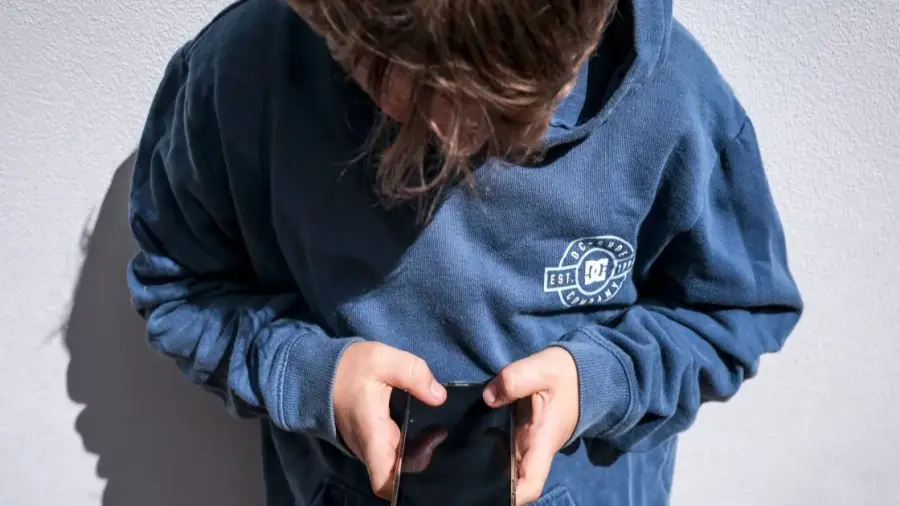
Salah satu masalah utama yang muncul adalah kurangnya persetujuan atau notifikasi ketika foto publik digunakan untuk keperluan AI. Hanya akun privat dan pengguna di bawah 18 tahun yang dikecualikan dari fitur ini. Hal ini menimbulkan risiko bagi pengguna dengan akun publik, yang mungkin tidak menyadari bahwa foto mereka dapat dimanfaatkan oleh orang lain.
Langkah-langkah Melindungi Akun Instagram Anda
Bagi Anda yang merasa khawatir, penting untuk mengetahui langkah-langkah yang dapat diambil untuk melindungi privasi Anda. Meta telah menyediakan opsi untuk menonaktifkan fitur ini melalui pengaturan akun. Berikut ini adalah langkah-langkahnya:
- Masuk ke akun Instagram Anda.
- Masuk ke pengaturan akun.
- Cari opsi yang berkaitan dengan privasi dan pengaturan konten.
- Nonaktifkan opsi yang mengizinkan penggunaan foto untuk AI.
Dengan melakukan langkah-langkah ini, Anda dapat memberikan perlindungan dasar terhadap foto Anda agar tidak disalahgunakan.
Pertimbangan untuk Pengguna Bisnis
Bagi pengguna akun bisnis atau kreator konten yang membutuhkan visibilitas publik, keputusan untuk menonaktifkan fitur ini harus dipertimbangkan dengan matang. Meskipun meningkatkan visibilitas penting, risiko penyalahgunaan foto oleh pihak tidak bertanggung jawab juga perlu diperhitungkan. Anda dapat mempertimbangkan untuk mengubah akun menjadi privat jika merasa perlu melindungi konten lebih lanjut.
Penting untuk diingat bahwa meskipun Anda menonaktifkan fitur ini, foto-foto lama yang mungkin sudah digunakan sebelumnya tetap berpotensi beredar. Oleh karena itu, langkah pencegahan sejak dini sangat dianjurkan.
Kesimpulan
Perkembangan teknologi AI seperti Muse Image mengingatkan kita akan pentingnya pengelolaan privasi di media sosial. Dengan memahami cara kerja fitur ini dan langkah-langkah yang dapat diambil untuk melindungi data pribadi, Anda dapat menikmati manfaat teknologi sambil menjaga keamanan informasi Anda. Jangan ragu untuk memeriksa pengaturan akun Anda secara berkala untuk memastikan privasi Anda tetap terjaga.
Sumber: https://telset.id/how-to/cara-mudah-hentikan-penggunaan-foto-instagram-di-ai-meta