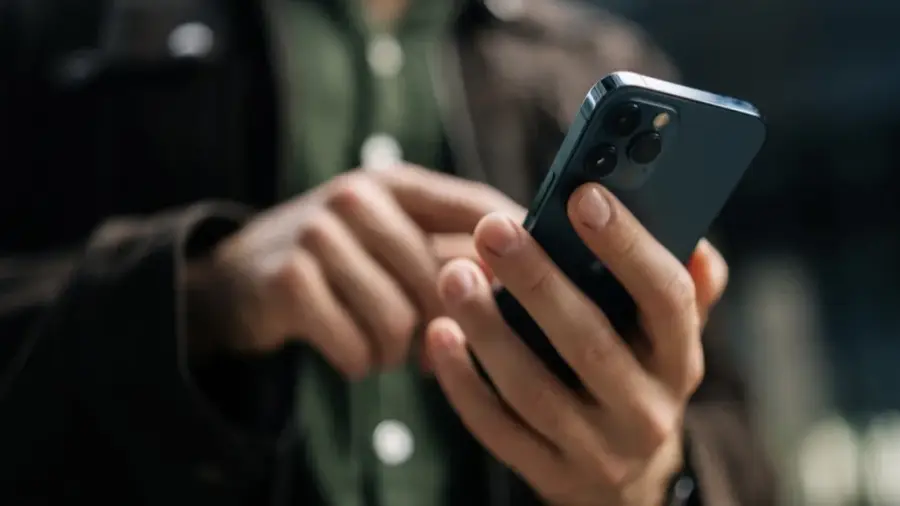
Pengguna iPhone 17 Pro Max yang menjalankan iOS 26 mungkin mengalami masalah pada pengaturan kecerahan layar. Masalah ini ditandai dengan keterlambatan saat mengatur brightness, terutama di ruangan gelap.
Penyebab Masalah Kecerahan
Bug ini mulai terdeteksi sejak iOS 26 dirilis. Ketika pengguna menarik Control Center dan mencoba menyesuaikan slider kecerahan, perubahan yang terjadi tidak langsung. Alih-alih penyesuaian yang mulus, perubahan brightness terjadi secara bertahap. Meskipun slider telah berada di posisi paling bawah, layar tetap terlihat terlalu terang di tempat yang minim cahaya.
Gejala Utama yang Dialami
Gejala utama dari bug ini adalah keterlambatan dalam menurunkan kecerahan layar. Pengalaman ini berbeda dari biasanya, di mana perubahan brightness seharusnya instan. Masalah ini muncul secara intermiten, sehingga sulit untuk menentukan apakah ini disebabkan oleh perangkat lunak atau perangkat keras.
Solusi Sementara yang Ditemukan
Kabar baiknya, ada solusi sederhana yang ditemukan oleh pengguna iPhone 17 Pro melalui forum Reddit. Solusi ini melibatkan tombol Dictation pada keyboard iPhone, yang terdengar tidak relevan namun terbukti efektif. Untuk mengatasinya, buka aplikasi yang memicu keyboard, seperti Spotlight, dan tekan tombol Dictation. Setelah itu, layar iPhone akan meredup ke tingkat yang lebih gelap, dan penyesuaian brightness dapat dilakukan secara normal.
Mekanisme di Balik Solusi
Meski belum jelas mengapa solusi ini berhasil, dugaan sementara adalah fitur Dictation dapat meredakan beban pada pengaturan display yang mengalami gangguan. Aktivasi mikrofon atau proses dictation mungkin membantu mengembalikan kontrol brightness ke kondisi normal.
Menariknya, laporan tentang solusi ini sudah ada sejak Januari 2026, dan hingga saat ini, Apple belum merilis patch resmi untuk masalah ini. Versi iOS terbaru saat ini adalah 26.5.2, dan bug tersebut masih ada.
Bagi pengguna yang sudah mencoba versi beta iOS 27, mungkin ada informasi lebih lanjut, tetapi belum ada konfirmasi resmi dari Apple.
Secara keseluruhan, meskipun bug kecerahan di iOS 26 cukup merepotkan, solusinya cukup mudah. Dengan mengaktifkan fitur Dictation, Anda dapat mengatasi masalah tersebut tanpa perlu menunggu pembaruan resmi dari Apple.
Sumber: https://telset.id/how-to/cara-mengatasi-bug-brightness-ios-26-di-iphone-17-pro-max