Proses copy-paste adalah aktivitas yang sudah tak asing lagi bagi pengguna internet. Hampir setiap hari, Anda pasti melakukan tindakan ini, baik untuk menyimpan informasi atau mengedit dokumen. Namun, terkadang, saat menempelkan konten yang telah disalin ke aplikasi web seperti Google Docs atau Sheets, Anda mungkin merasa ada sedikit keterlambatan. Berita baiknya, masalah tersebut kini akan segera teratasi berkat kolaborasi antara Google dan Microsoft.
Pembaruan Selective Format Read
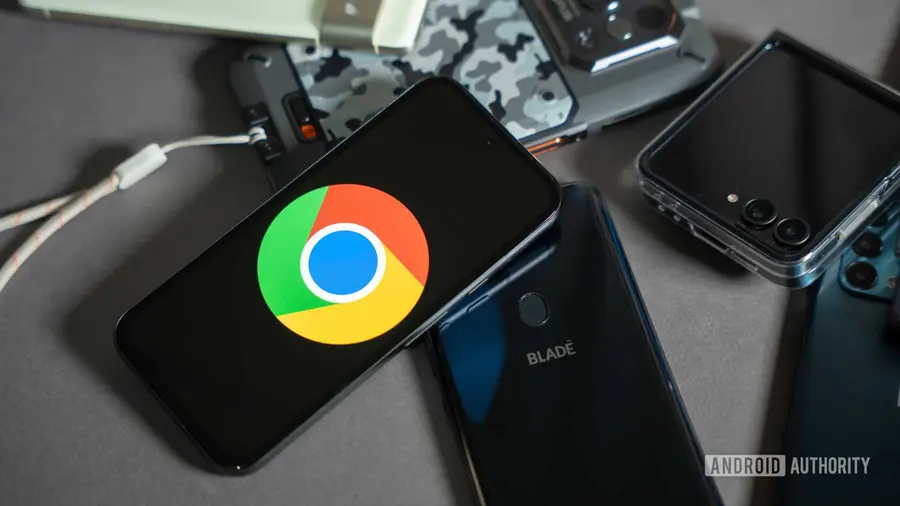
Pembaruan terbaru yang disebut "Selective format read" kini sudah diterapkan dalam versi 149 dari Google Chrome dan Microsoft Edge. Sesuai penjelasan dalam blog pengembang Chrome, pembaruan ini dirancang untuk menghilangkan jeda saat menempelkan dari clipboard. Yang lebih menarik, fitur ini akan diaktifkan secara default untuk semua pengguna tanpa perlu intervensi manual.
Bagaimana Cara Kerja Clipboard Saat Ini?
Sebelum kita membahas lebih lanjut tentang pembaruan ini, penting untuk memahami bagaimana proses menempelkan konten dari clipboard biasanya berlangsung. Ketika Anda menyalin sebuah paragraf dan ingin menempelnya ke aplikasi pengolah kata, clipboard biasanya akan menangkap semua jenis data yang telah Anda salin, termasuk gambar dan format lainnya yang memakan banyak memori.
Google menjelaskan bahwa semakin besar data yang tidak terpakai, semakin lama pula pengguna harus menunggu, dan semakin banyak memori yang digunakan oleh tab tersebut pada saat responsivitas paste sangat dibutuhkan.
Manfaat Selective Format Read
Dengan hadirnya fitur Selective format read, browser kini akan bertanya, "apa yang ada di clipboard?" daripada langsung mengambil semua data dari clipboard. Aplikasi web kemudian memberi tahu browser bahwa mereka memerlukan jenis data tertentu (seperti teks biasa atau HTML), dan hanya konten yang diperlukan saja yang akan ditempelkan.
Fitur ini secara efektif mengabaikan jenis data lain yang bisa membebani memori browser Anda dan memilih data mana yang akan dibawa berdasarkan kebutuhan aplikasi web. Beberapa manfaat dari pembaruan ini antara lain adalah membebaskan memori browser untuk tugas lain dan mempercepat proses penempelan, di mana Google menambahkan bahwa semua situs web secara otomatis akan mendapatkan keuntungan dari pembaruan ini.
Pengembangan Selanjutnya
Saat ini, Google Chrome dan Microsoft Edge telah mendapatkan pembaruan ini, namun Google juga menyatakan bahwa Mozilla menunjukkan ketertarikan untuk mengikuti langkah serupa. Sementara itu, Apple’s Safari sudah memiliki kerangka kerja yang mirip untuk menangani masalah ini.
Dengan adanya pembaruan ini, diharapkan pengalaman pengguna saat menggunakan browser akan meningkat, terutama dalam hal efisiensi dan kecepatan saat menempelkan konten. Ini adalah langkah positif menuju peningkatan performa browser yang lebih baik di masa depan.
Sumber: https://www.androidauthority.com/google-chrome-paste-upgrade-microsoft-edge-3684737/