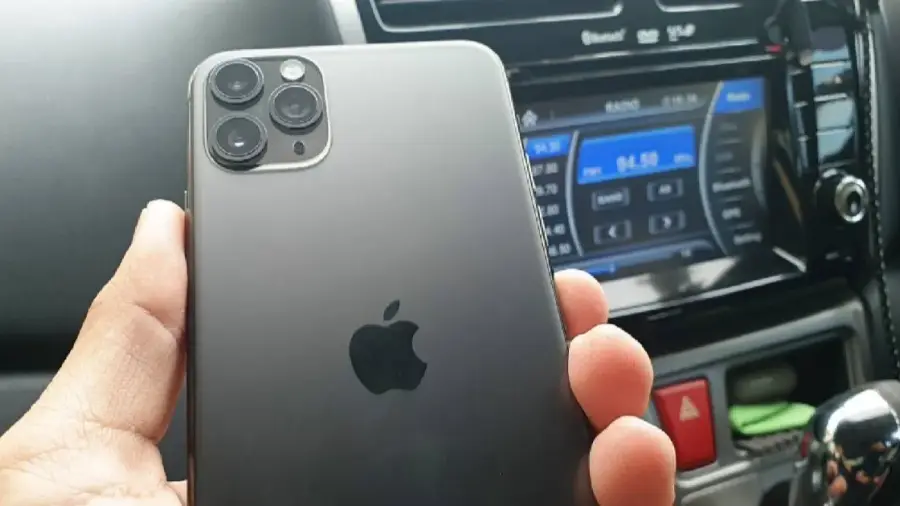
Ponsel lama yang terabaikan di laci Anda bisa berfungsi kembali dengan cara yang cerdas. Daripada hanya mengumpulkan debu, mengapa tidak mengubahnya menjadi dashcam yang fungsional? Proses ini sangat sederhana dan bisa dilakukan dalam beberapa menit tanpa biaya tambahan, asalkan Anda memiliki dudukan dan pengisi daya mobil. Berikut ini adalah langkah-langkah yang perlu Anda ikuti untuk mengubah ponsel lama Anda menjadi dashcam yang siap merekam perjalanan.
Persiapan Awal yang Diperlukan
Langkah pertama adalah menyiapkan semua peralatan yang diperlukan. Anda perlu:
- Ponsel lama Anda
- Aplikasi dashcam gratis seperti Droid Dashcam atau Smart Dash Cam
- Kabel pengisi daya
- Pengisi daya mobil
- Dudukan ponsel untuk di dasbor atau kaca depan
Jika Anda sudah memiliki semua aksesori ini, Anda siap untuk memulai proses pengaturan yang sepenuhnya gratis.
Langkah-Langkah Mengatur Ponsel Anda
Untuk memastikan ponsel Anda berfungsi dengan baik sebagai dashcam, langkah pertama adalah menghapus semua data di ponsel tersebut. Di Android, Anda bisa mencarinya di pengaturan dengan mengetik “Factory Reset”. Di iPhone, masuk ke Pengaturan, pilih Umum, lalu Atur Ulang, dan Hapus Semua Konten dan Pengaturan.
Setelah ponsel direset, Anda harus menyiapkannya tanpa memasang aplikasi yang tidak perlu. Pastikan untuk mematikan semua notifikasi agar ponsel tetap diam saat merekam. Selanjutnya, unduh aplikasi dashcam dari toko aplikasi. Droid Dashcam cocok untuk perangkat Android, sedangkan Smart Dash Cam ideal untuk pengguna iPhone. Kedua aplikasi ini gratis dan mendukung berbagai fitur seperti perekaman loop, GPS, dan stempel waktu.
Pengaturan Aplikasi Dashcam
Setelah aplikasi diunduh, berikan izin yang diperlukan untuk kamera, mikrofon, lokasi, dan penyimpanan. Atur kualitas video ke 1080p untuk menghemat ruang penyimpanan dan mencegah ponsel menjadi terlalu panas selama perjalanan panjang. Pastikan untuk mengaktifkan fitur perekaman loop, yang secara otomatis akan menghapus video lama saat penyimpanan penuh, sehingga perekaman tidak terputus.
Anda juga bisa mengatur klip agar tersimpan dalam durasi 5 menit, yang memudahkan saat membagikannya kepada pihak asuransi atau polisi. Selain itu, sesuaikan tampilan layar untuk menampilkan informasi penting seperti kecepatan, peta, dan plat nomor kendaraan.
Pemasangan dan Pengujian Dashcam
Pasang dudukan ponsel di bagian atas kaca depan dekat kaca spion tengah agar mendapatkan sudut pandang yang baik. Arahkan kamera sedikit ke bawah untuk menangkap jalan, lampu lalu lintas, dan area di depan kendaraan. Untuk memulai perekaman, cukup tekan tombol kamera.
Jaga agar ponsel tetap terhubung dengan pengisi daya untuk menghindari kehabisan baterai, karena perekaman video dan penggunaan GPS akan menguras daya dengan cepat. Sebelum memulai perjalanan, lakukan pengujian dengan merekam klip pendek untuk memastikan sudut tampilan sudah tepat dan bahwa dudukan ponsel tidak bergetar. Jika semua sudah sesuai, ponsel Anda siap digunakan sebagai dashcam.
Dengan langkah-langkah di atas, Anda dapat memanfaatkan ponsel lama Anda untuk tujuan yang lebih bermanfaat. Selamat mencoba!
Sumber: https://telset.id/how-to/ubah-ponsel-lama-jadi-dashcam-gratis-begini-caranya