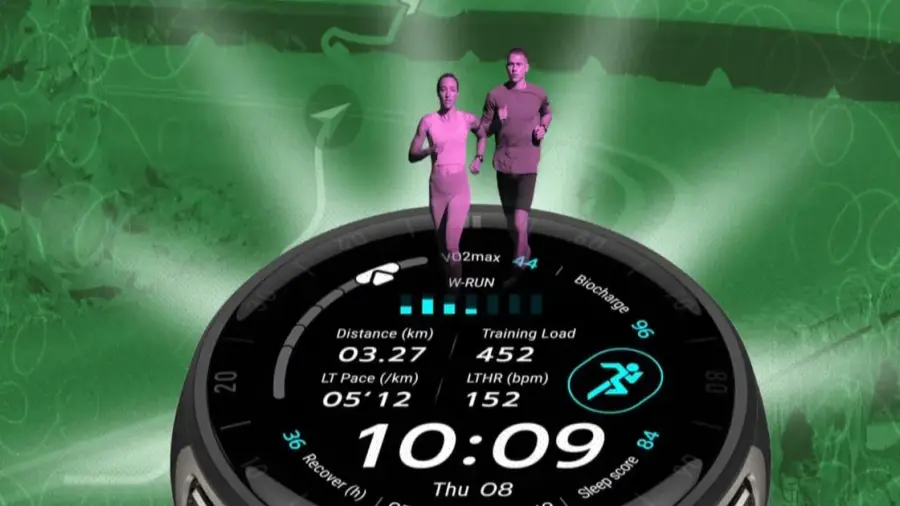
The Amazfit Cheetah 2 Pro is packed with hidden features that many users may overlook, from developer mode to a jet lag manager. This running watch offers functionality that goes beyond the standard manual, significantly enhancing the user experience.
Unlock Developer Mode
Within the Zepp app lies a hidden menu that users rarely stumble upon. To access this, navigate to Profile, then Settings, followed by About. Tap the Zepp logo seven times in succession to unveil developer mode. This feature grants access to device information and debugging options not visible in the standard interface.
Developer mode also enables users to install custom watch faces via a computer by scanning a generated QR code. This is particularly useful for troubleshooting sync issues or examining firmware details that are otherwise hidden.
Jet Lag Manager for Frequent Travelers
The Cheetah 2 Pro includes a beneficial yet hidden jet lag manager, ideal for runners who travel often. This feature assists in adjusting sleep and training schedules leading up to race day. Users can input travel details to receive an “Adaptedness” score from Amazfit, though it's wise to take this score with a grain of caution.
The watch generates recommendations on optimal sleep times, activity periods, and light exposure. Access this feature through the Zepp app by selecting Device Page, choosing Amazfit Cheetah 2 Ultra, and navigating to Jet Lag Manager. Personalized schedules and adaptation readiness can be viewed from 72 hours before departure, providing real-time notifications to aid quicker adaptation.
Red Light Function for Night Running
Another surprising feature of the Cheetah 2 Pro is its flashlight, which can emit more than just white light. It uses two white LEDs along with an additional red LED. The red light option offers a glare-free alternative for dark conditions without impairing night vision. There's also a strobe function to enhance visibility to traffic while running at dawn or dusk.
To access the red light, press and hold the upper left button to activate the flashlight, then use the UP or DOWN buttons to switch to red mode. Users can also swipe down from the watch face to open the Control Center and tap the flashlight icon.
Personalized Notification Management
The Cheetah 2 Pro allows for detailed notification customization beyond simply toggling all on or off. Users can disable calendar notifications by going to Settings, then Notifications, selecting Calendar, and turning off “Allow notifications.” Important alerts like alarms and low battery warnings will still function even if other notifications are switched off.
For battery conservation, three settings can be adjusted: first, reduce heart rate monitoring frequency from every minute to five or ten minutes during inactivity. Second, turn off “Automatic Stress Monitoring” and “Auto Blood Oxygen” unless necessary. Lastly, disable continuous location tracking and heart rate recording when not exercising, reactivating them when workouts commence.
Avoiding Accidental Pauses
A common issue with Amazfit watches is the overly sensitive crown button, which can cause unintended pauses during strength training. To remedy this, enter Workout Settings and change the pause mechanism from “simple press” to “Long Press.” While it may take some time to adjust, users won’t have to worry about accidental pauses caused by wrist movements.
Water Ejection Feature
A useful bonus hack is the built-in water ejection feature. Water can accumulate in the microphone and speaker ports, leading to muffled sounds or false touches. To activate this, swipe down to open the Control Center, tap the Droplet icon, and hold the watch with the speaker facing down. The watch will vibrate at a specific frequency to help push moisture out of the ports.
These hidden features reveal that the Amazfit Cheetah 2 Pro offers much more than just a sleek appearance. Users who explore these functionalities can truly maximize their smartwatch's potential. For more technology insights, readers can check out the latest gaming news or product reviews.
Source: https://telset.id/how-to/5-fitur-tersembunyi-amazfit-cheetah-2-pro-yang-jarang-diketahui