Introduction to Google Photos' Redaction Tool
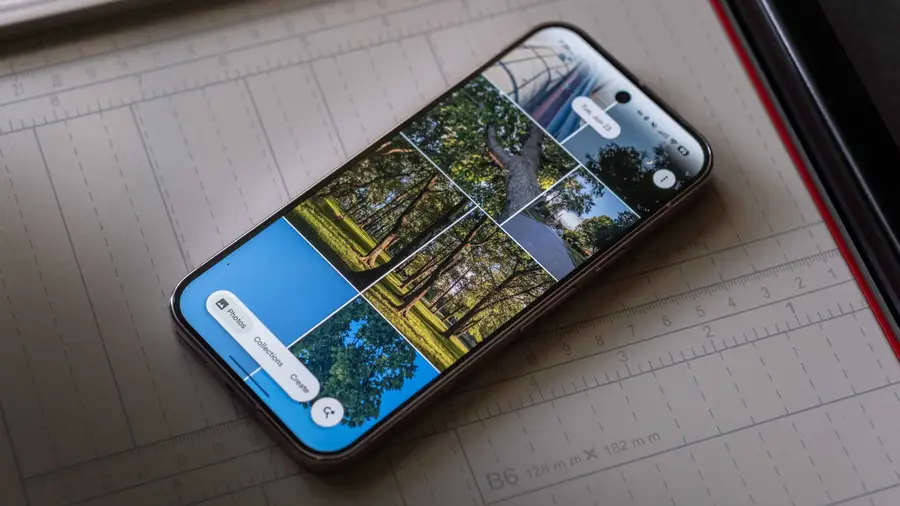
Google Photos is set to enhance user privacy with its new Redaction tool, designed to obscure sensitive areas in images. This innovative feature has transitioned from a hidden code string to a fully functional tool, making it easier for users to protect their personal information.
How the Redaction Tool Works
The Redact tool can be found within the Markup section of Google Photos' photo editor. It sits alongside existing tools like Pen, Highlighter, and Text, providing users with a comprehensive set of editing options. Once selected, users will see a specialized redaction panel that includes a slider for adjusting the size of the redaction brush and three methods for concealing content: Mosaic, Mosaic Light, and Blur.
Redaction Methods Explained
- Mosaic: This method pixelates the selected area into small blocks, similar to features found in other gallery apps.
- Mosaic Light: It offers a coarser pixelation effect with larger blocks, resulting in a less detailed appearance.
- Blur: Unlike traditional blurring, this option applies a grainy texture, resembling static rather than a smooth blur.
Each method allows users to effectively obscure sensitive information while still maintaining some level of visual context.
User Experience and Functionality
During testing, the Mosaic and Mosaic Light options demonstrated quick rendering and responsive scaling based on brush size. The Blur method, while distinct in texture, also maintained its effectiveness when zoomed in. Additionally, the tool includes handy features such as undo and redo buttons, along with a reset option that allows users to clear all redactions with a single tap.
Current Availability and Future Outlook
As of now, Google's Redact tool is not publicly available, and there is no official timeline for its rollout. However, the transition from a non-functional button to a working tool with multiple modes in just a month indicates significant progress. Users are hopeful that this feature will soon be accessible to enhance their privacy while using Google Photos.
Source: https://www.androidauthority.com/google-photos-redact-mode-demo-apk-teardown-3700415/