After 15 years of using Gmail, I made the decision to switch to Thunderbird at the beginning of this year. Initially, I had no intention of leaving Google’s email service, as I appreciated features like Proofread, Confidential Mode, and Undo Send. However, over time, Gmail transformed from a helpful tool into a platform overwhelmed by advertisements and unnecessary smart features, making email management feel burdensome.
Frustrations with Gmail's Cloud Dependency
In December 2025, while traveling to Canada, I found myself stranded without internet access, desperately searching for an important email. This experience highlighted Gmail's focus on cloud connectivity, often neglecting offline functionality. Many professionals face similar frustrations when using Gmail as their primary email client, leaving them unable to access crucial emails when they need them most.
On the contrary, Thunderbird allows users to store emails locally on their devices, enabling seamless offline access. This feature supports my workflow during flights, while traveling in areas with poor connectivity, or during unexpected outages. Activating offline access is simple: navigate to Account settings, select Synchronization and storage, and ensure the 'Keep messages for this account on this computer' option is checked. By doing so, I can download and read emails without worrying about internet availability.
Customization and Add-ons for Enhanced Productivity
One of Thunderbird's standout features is its support for third-party add-ons. Users can enhance their email experience by installing various tools for end-to-end encryption, large file uploads, and custom email templates. To explore available add-ons, go to Settings, then Add-ons and themes, where you can browse or search for specific enhancements.
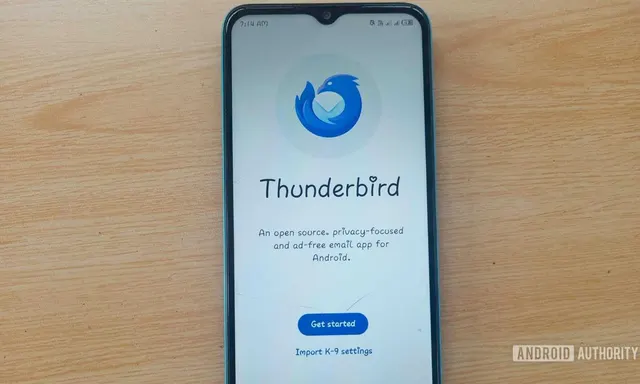
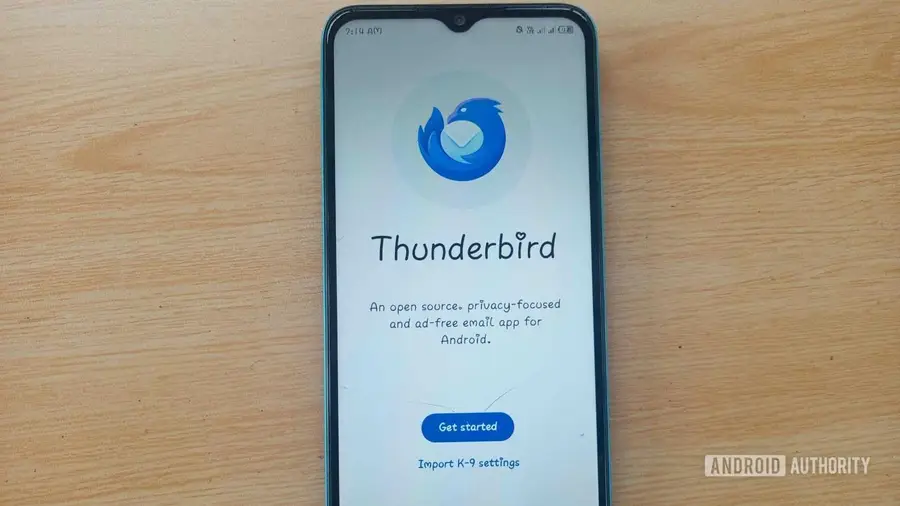
Additionally, the Thunderbird app on Android offers extensive customization options for managing emails. Users can modify themes, color codes, and fonts to create a tailored inbox. The Display settings allow adjustments for viewing density and message previews, providing a desktop-like experience on mobile devices.
Privacy and Open Source Advantages
As an open-source email client, Thunderbird is appealing for privacy-conscious users, allowing them to inspect the code and understand data handling. Unlike Gmail, which may collect user data for ad targeting, Thunderbird ensures transparency and prioritizes user privacy. With features like OpenPGP for sending encrypted emails, I can communicate securely without relying on third-party services.
Seamless Integration Across Devices
My work often requires utilizing various devices and operating systems, from macOS to Android. Thunderbird simplifies this process by enabling users to synchronize email accounts across devices effortlessly. By using a QR code, I can quickly set up my Thunderbird account on my Android phone, allowing me to access my emails just as I do on my desktop.
Notifications are another area where Thunderbird excels. Unlike Gmail, which sometimes delays notifications, Thunderbird ensures I receive them immediately, keeping me informed without unnecessary manual refreshing.
Managing Multiple Accounts with Ease
Managing several email accounts can be daunting, but Thunderbird makes it manageable. Users can add multiple email addresses from different providers and view them in a unified interface. While Gmail can accommodate a few accounts, Thunderbird seamlessly handles numerous addresses without issue. Users can even customize views to see all emails in one place, making organization straightforward.
Additionally, Thunderbird offers effective junk mail filtering, allowing users to direct unwanted messages to spam. This feature enhances email organization, letting me focus on important correspondence without distractions from promotional emails.
In conclusion, my switch from Gmail to Thunderbird has been transformative. With its robust features, customization options, and commitment to privacy, Thunderbird has restored my email experience to one that feels efficient and straightforward. If you're seeking a less cluttered and more effective email management tool, transitioning to Thunderbird may be worth considering.
Source: https://www.androidauthority.com/ditched-gmail-for-thunderbird-why-3716057/