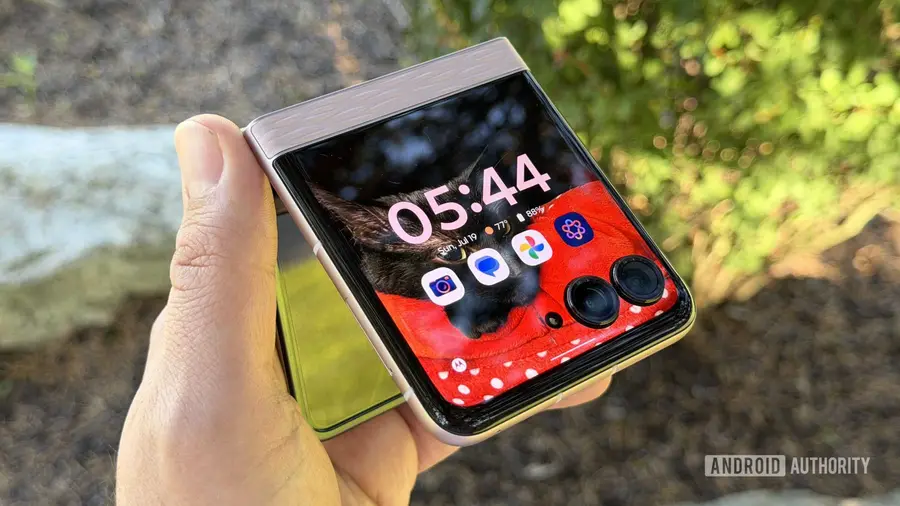
In the realm of mobile applications, pre-installed software often gets a bad reputation, often dismissed as unnecessary bloat. However, one app that defies this stereotype is Smart Connect, which comes preloaded on Motorola devices and Lenovo laptops, yet can also be utilized on any Android or Windows platform.
What is Smart Connect?
Smart Connect is designed to simplify the interaction between your devices. If you're accustomed to sharing files between your smartphone and computer, you might think you have enough tools already. However, Smart Connect offers unique capabilities that set it apart from other applications like Quick Share or Blip.
Seamless File Sharing
One of the standout features of Smart Connect is its ability to browse images stored on your phone directly from your PC. Unlike other applications that require you to unlock your phone and manually send files, Smart Connect lets you pull files over with ease. This functionality does have limitations when it comes to iOS devices; file transfers must be initiated from the iPhone or iPad.
Wireless Webcam Capability
Another advantage of using Smart Connect is its ability to turn any Android phone into a wireless webcam. While other services, like Microsoft’s Link to Windows, might require connecting your phone with a cable, Smart Connect allows for more flexibility. This is particularly beneficial for users who want to keep their workspace tidy without fumbling with cables.
Advanced Screen Mirroring
Screen sharing with Smart Connect is more sophisticated than it initially appears. While it primarily works with Motorola phones, the app allows users to either mirror their phone's screen or create a virtual display. This feature is incredibly useful for multitasking, enabling you to use your PC while still keeping your phone's content visible and interactive.
Desktop Mode and Beyond
Smart Connect also offers a desktop mode, similar to Samsung’s DeX. While this feature may not be essential for everyone, it allows for a wireless connection to a monitor, creating a mobile desktop experience. For users who frequently switch between devices, this can enhance productivity significantly.
Connecting to Various Displays
Within the Smart Connect application, users can discover connected displays that support Miracast or Google Cast. While Miracast provides additional features like input simulations, Google Cast simply mirrors your device. This versatility is especially useful for casting games or media content directly to a TV, allowing your phone to act as a controller.
Final Thoughts
If you own a Motorola phone, Smart Connect is undoubtedly worth exploring. Its pre-installed nature means it's readily available, and its features can greatly enhance your productivity and device interoperability. Even if you don't have a Motorola device, you might find Smart Connect useful for managing multiple Android gadgets and a Windows PC.
In conclusion, whether you discover Smart Connect on a Motorola phone or choose to download it on another Android device, its functionality makes it a valuable tool for anyone looking to streamline their digital experience.
Source: https://www.androidauthority.com/smart-connect-forgotten-motorola-app-great-why-3694827/