As smartphone technology continues to evolve, many new devices are integrating artificial intelligence (AI) features into their designs. Each brand is eager to showcase its unique AI capabilities, often introducing dedicated AI buttons on their devices. While these buttons promise to enhance user experience, they can sometimes feel more like an inconvenience than a necessity.
The AI Button Dilemma
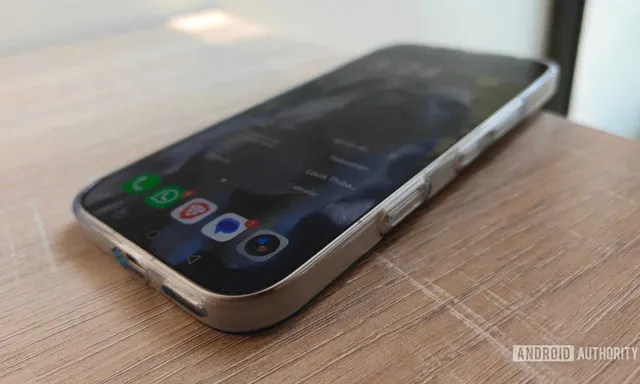
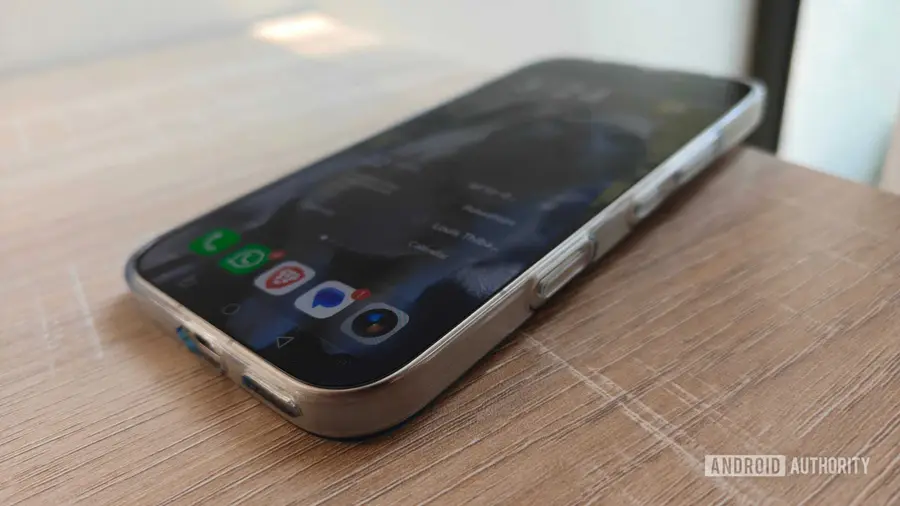
For many users, the AI button becomes one of those features that is quickly overlooked. My experience with the AI button on my current device, the HONOR 600 Pro, was initially no different. I found myself accidentally activating it and dismissing the AI assistant almost immediately. This led me to explore whether I could disable the button entirely, only to discover a variety of customizable options.
Exploring Customization Options
Unlike other devices, such as the Motorola Edge 70, which limits the AI button’s functionality to either AI features or complete deactivation, the HONOR 600 Pro offers a wealth of choices. Users can assign different gestures—like long press, double press, or single press—to activate various functions. This flexibility transforms the AI button from a redundant feature into a valuable shortcut tool.
Adding Practical Shortcuts
After experimenting with the settings, I was able to set up shortcuts that truly enhance my daily routine. For instance, my long-press gesture now opens Pokémon Go, allowing me to jump straight into the game without navigating through my app drawer. My double-press action launches my preferred note-taking application, Notesnook, enabling quick access to jot down thoughts before they slip away. Additionally, a single press activates my flashlight, providing immediate illumination when I need it most, especially at night.
The Need for Versatile AI Buttons
While not all manufacturers provide this level of customization, the potential for AI buttons to serve as versatile shortcuts could greatly enhance user experience. Users often favor physical gestures over screen swipes, making a well-designed button interface a desirable feature. By allowing these buttons to perform multiple functions, manufacturers could reduce user frustration and increase the overall utility of their devices.
In conclusion, the AI button on my HONOR 600 Pro, which once seemed trivial, has become an invaluable part of my smartphone experience. By utilizing the customization options available, I have transformed it into a powerful shortcut tool that enhances my productivity and enjoyment. I hope that more smartphone manufacturers will recognize the benefits of offering customizable AI buttons, providing users with functionality that extends beyond AI applications.
Source: https://www.androidauthority.com/turned-android-phone-ai-button-into-powerful-shortcuts-3714021/