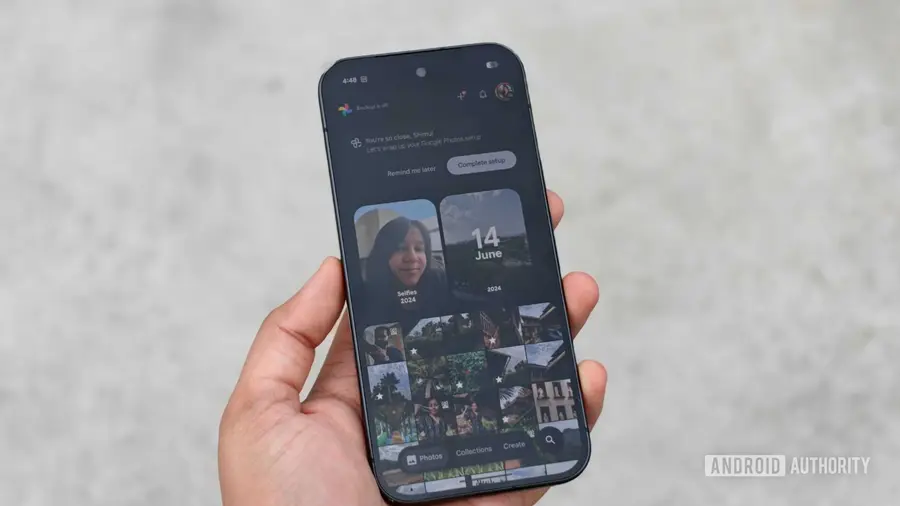
Google Photos has recently introduced an update aimed at improving the user experience within its Collections tab. This update provides users with new customization features that make managing their collections simpler and more personalized.
Enhanced Customization Features
With the latest update, users can now rearrange their Collections tab to suit their preferences. This includes the ability to pin important folders such as Favorites, Screenshots, and Trash right at the top of the interface. The addition of a plus icon next to these folders allows users to quickly add other collections they frequently access.
Reordering Your Collections
The update also introduces a Reorder button, enabling users to rearrange the order of collections displayed below the pinned sections. This feature is particularly useful for those who have a large number of albums or photos sorted by specific tags or locations. If a user wishes to hide certain collections, they can easily do so, with the hidden items appearing in a separate section labeled Other Collections.
User Reactions to the Update
The reaction to this update has been mixed among users. Some users have expressed dissatisfaction with the new user interface, with one commenting on the Google Photos subreddit that the update felt like “absolute garbage.” However, others have appreciated the new customization options, finding them helpful in organizing their photos more effectively.
Availability of the Update
Currently, the updated Collections tab is rolling out to users, and many have already reported seeing the changes on their devices. If you haven’t received the update yet, it should be available to you soon, enhancing your photo management experience.
Source: https://www.androidauthority.com/google-photos-customize-collections-2-3729262/