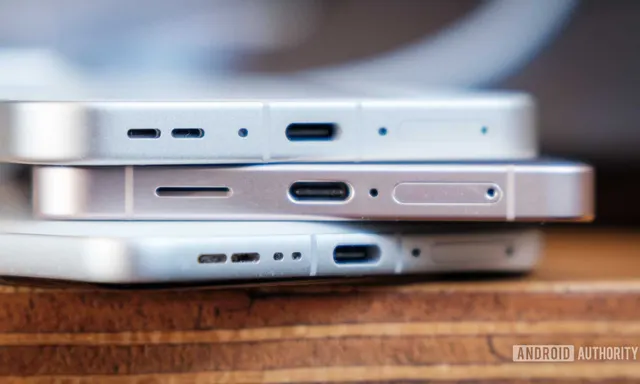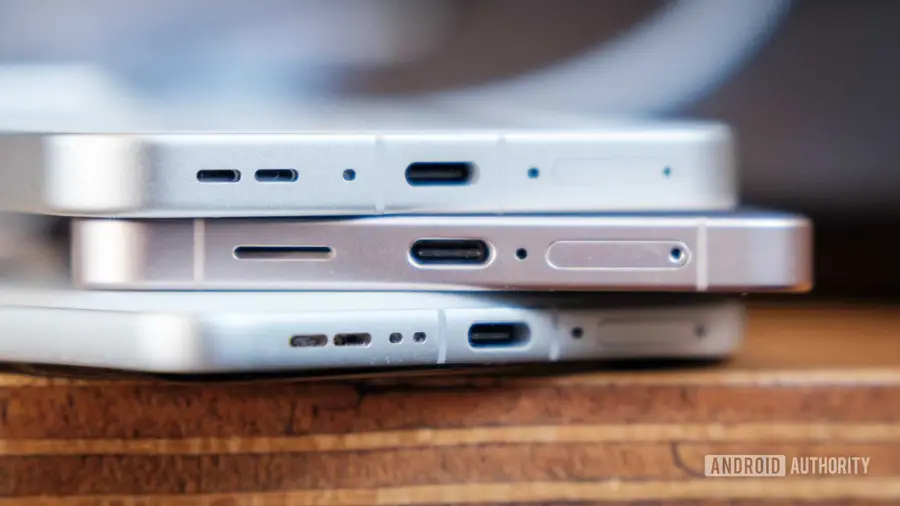
Many users experience frustration with USB-C connections, especially when their devices refuse to charge. If you’re dealing with a similar issue, it might be time for some USB-C cleaning before resorting to expensive repairs.
Understanding the Problem
USB-C ports are designed to be compact, which can make them susceptible to dust and debris accumulation. Over time, lint or dirt can enter the port, leading to connectivity issues. This can manifest as your charging cable not fitting securely, or it may fall out easily, making it difficult to maintain a charge.
Recognizing the Signs of a Dirty Port
Initially, you might notice that your device charges intermittently or only with certain cables. As the problem worsens, you might find yourself adjusting the cable or holding it at odd angles to achieve a connection. Eventually, you may have to rely on wireless charging or face a dead device.
How to Clean Your USB-C Port
Fortunately, cleaning your USB-C port can potentially resolve these issues without the need for professional help. Here’s a step-by-step guide on how to do it safely:
- Gather Your Tools: You’ll need fine-tipped tweezers or a non-conductive tool like a wooden toothpick. Avoid using liquids or harsh chemicals.
- Power Off Your Device: Always turn off your device before starting the cleaning process, especially if you’re using metal tools.
- Inspect the Port: Use a light source to check for visible dirt or lint inside the USB-C port.
- Remove Debris: Carefully use your tweezers or toothpick to extract any clumps of dust. Be gentle to avoid damaging the internal pins.
- Test the Connection: After cleaning, try plugging in your USB-C cable. If it fits better, you may have successfully resolved the issue.
Alternative Cleaning Methods
If you find using tweezers challenging, consider using a soft brush designed for electronics. This can help remove lighter debris without risking damage to your device. Remember to be cautious, as excessive force can lead to further complications.
Preventing Future Accumulation
To minimize future issues, avoid placing your device in environments with loose dirt or lint. You can also use silicone dust plugs to cover the USB-C port when not in use, which can help keep it clean and functional. These plugs are inexpensive and available in bulk from many online retailers.
While cleaning your USB-C port isn’t a guaranteed fix for every charging problem, it’s a worthwhile first step if you notice connectivity issues. With a little care, you might save yourself the hassle and expense of a repair shop visit.
Source: https://www.androidauthority.com/usb-c-port-cleaning-3716899/