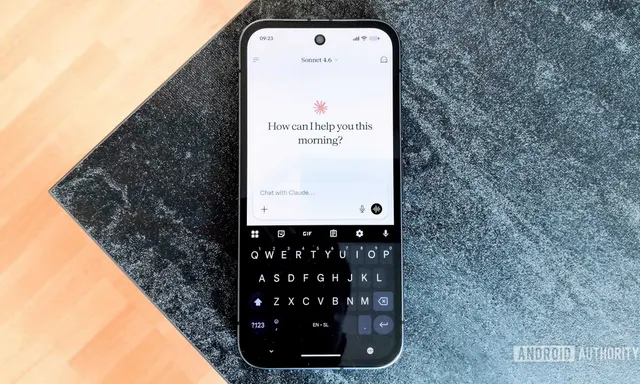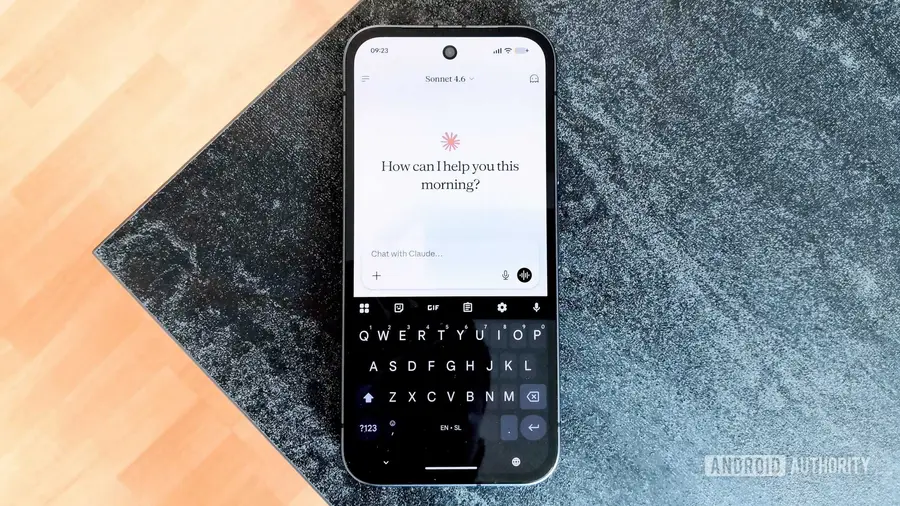
In the ever-evolving landscape of AI tools, Claude has emerged as a popular choice among users. Although I have explored various AI platforms, including Gemini and ChatGPT, Claude remains my top pick due to its superior session memory and human-like interaction. However, its tendency to include excessive details can sometimes detract from the user experience.
Introducing the I Have ADHD Skill
A recent development that has gained traction in online communities, particularly on platforms like Reddit, is the “I Have ADHD” skill. After incorporating this feature into my usage of Claude for about two weeks, I can confidently say it makes a significant difference. This skill is designed to streamline responses, presenting key information upfront while eliminating unnecessary chatter, which can be particularly beneficial for neurodivergent individuals or anyone who prefers a more concise exchange.
How to Set Up the Skill
Setting up the “I Have ADHD” skill is a straightforward process. First, visit the project's official GitHub page to download the skill.md file. The installation method varies based on whether you want to use it with Claude Chat or Claude Code.
- For Claude Chat: Launch Claude Chat and navigate to the Customize section in the left panel. Here, you will find an option to add new skills. Click on the Add button, and a prompt will appear where you can upload the downloaded file. Once added, you can activate the skill in your conversation by typing /i-have-adhd before your question. This activation is required only once per session.
- For Claude Code: Open your terminal and add the market repository by typing claude plugin marketplace add ayghri/i-have-adhd. After receiving a response, install the skill with claude plugin install i-have-adhd@i-have-adhd. You may need to restart the application for the changes to take effect. Just like with Claude Chat, type /i-have-adhd to trigger the skill.
Benefits of Using the Skill
One of the most notable advantages of the “I Have ADHD” skill is its ability to condense information into a more digestible format. Claude's default responses often include extensive details, which can be overwhelming. With this skill enabled, the responses are not only shorter but also structured to facilitate easier skimming, making it ideal for those who struggle with information overload.
For example, the skill follows ten core guidelines that tailor the communication style to be more efficient and user-friendly. Rather than presenting a large volume of data, it confirms central points and elaborates only as necessary, providing a balance of detail without losing clarity.
Using Claude More Effectively
While I still appreciate Claude in its original form, the addition of the “I Have ADHD” skill has enhanced my experience, especially during complex projects. It proves valuable not just in conversational contexts but also in programming tasks, where concise and clear responses can significantly improve productivity. The skill allows users to conserve their usage caps by generating shorter answers, preventing the frustration of hitting limits too quickly.
Overall, I highly recommend experimenting with this skill if you’re seeking a more straightforward interaction with Claude. Though individual preferences vary, many users might find this adjustment transforms their experience for the better. It takes only a few minutes to set up, and if it resonates with your needs, you may find it hard to revert to the standard settings.
Source: https://www.androidauthority.com/claude-i-have-adhd-skill-how-use-3697353/